Calm by default
One sidebar, one workspace, and quiet surfaces that keep the content in front.
Ready brings tasks, true WYSIWYG Markdown, sketches, and optional AI into one calm native Mac workspace. iPhone and iPad are coming soon, with your internal tasks, notes, and drawings kept in sync through iCloud.
Ready for Mac now. Download it free below. iPhone and iPad are coming soon.
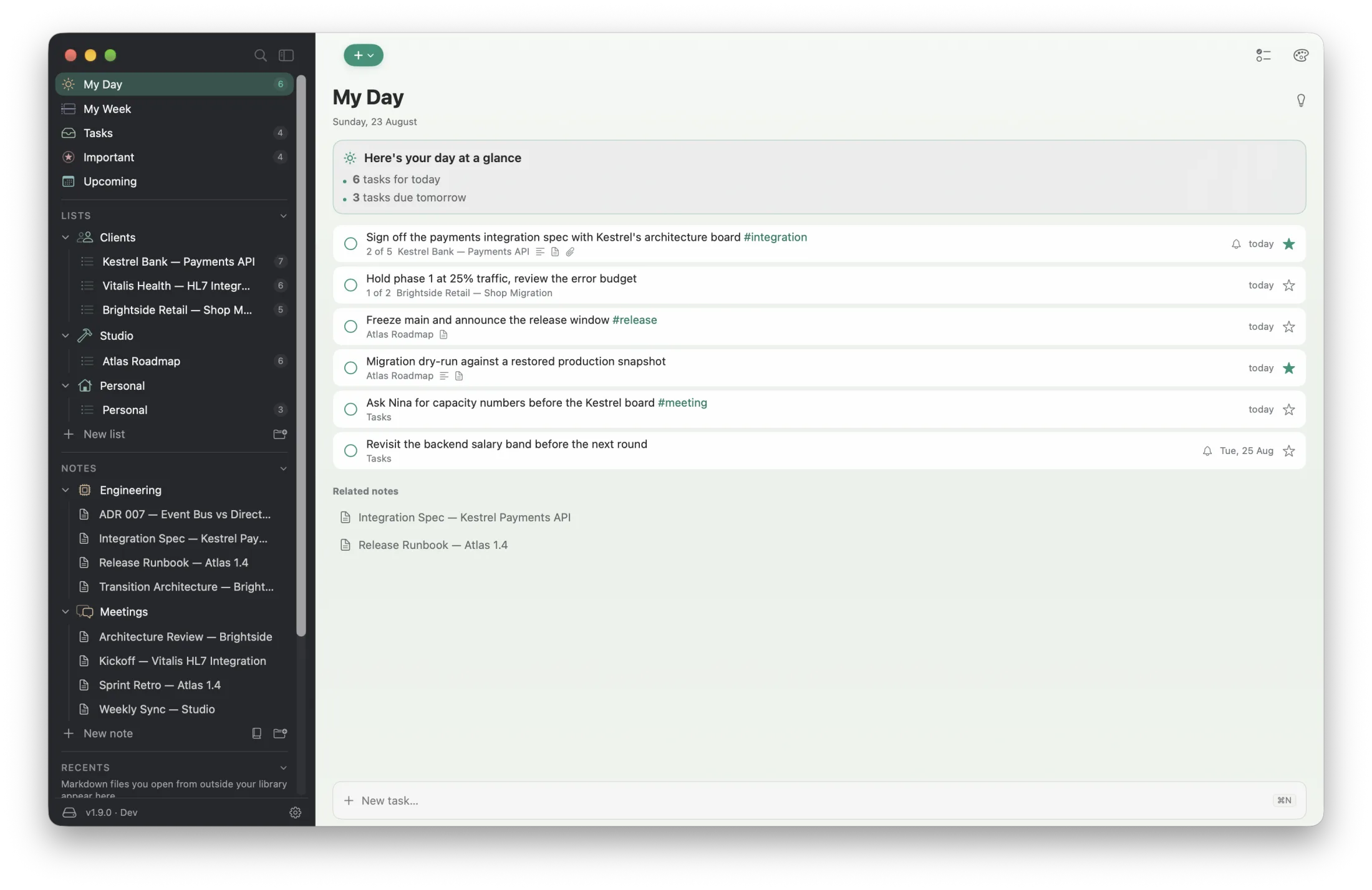
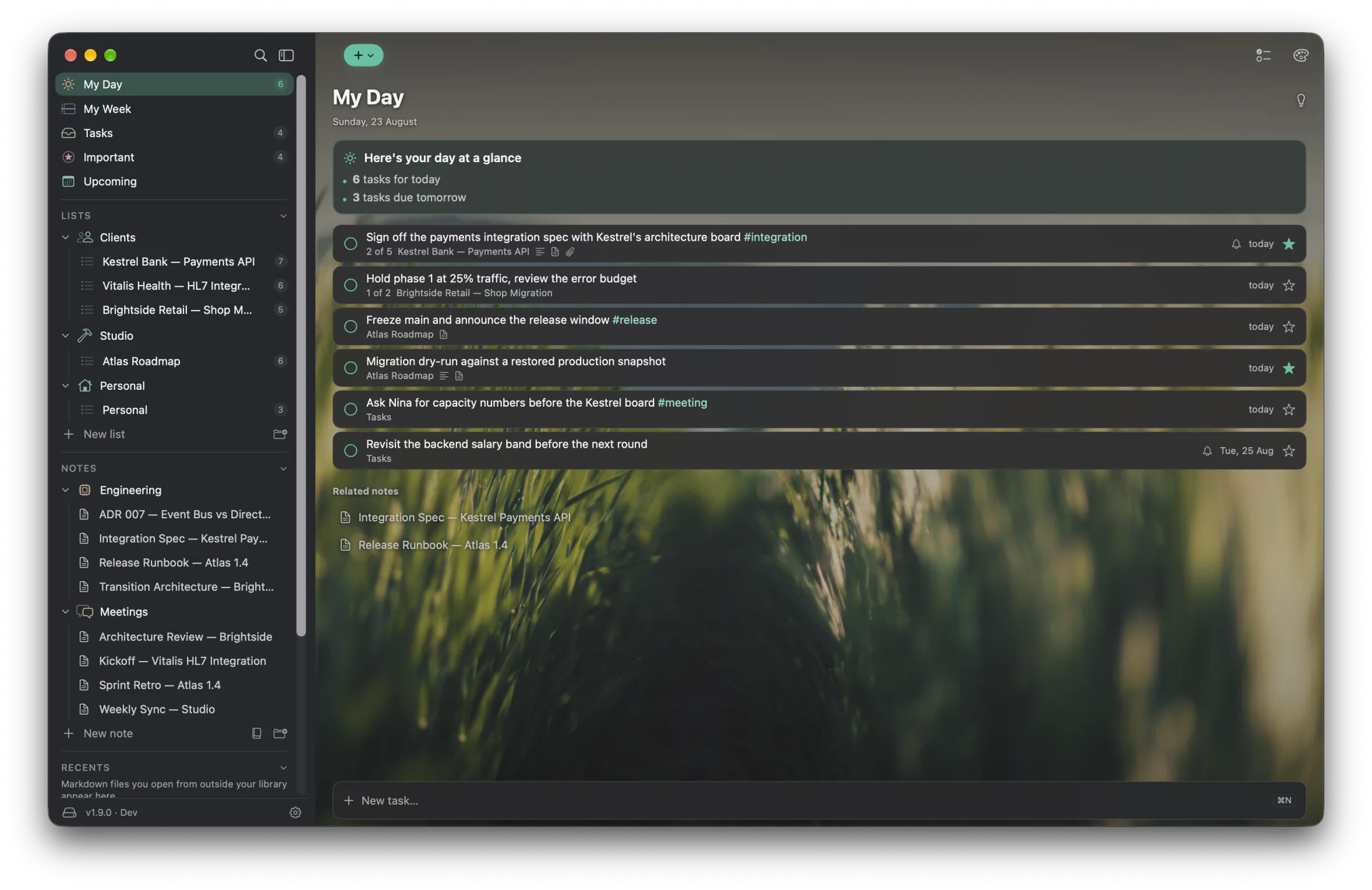
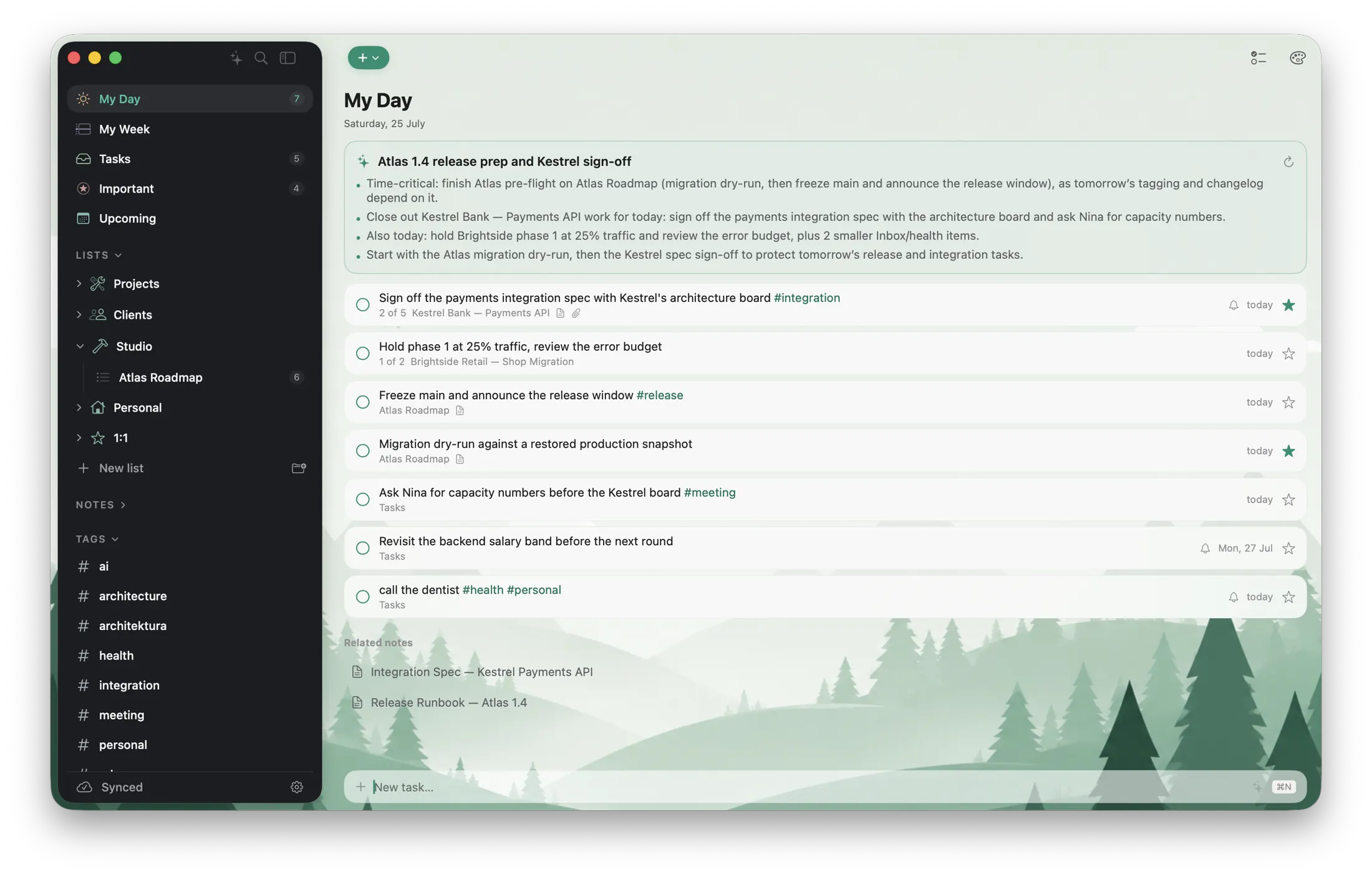
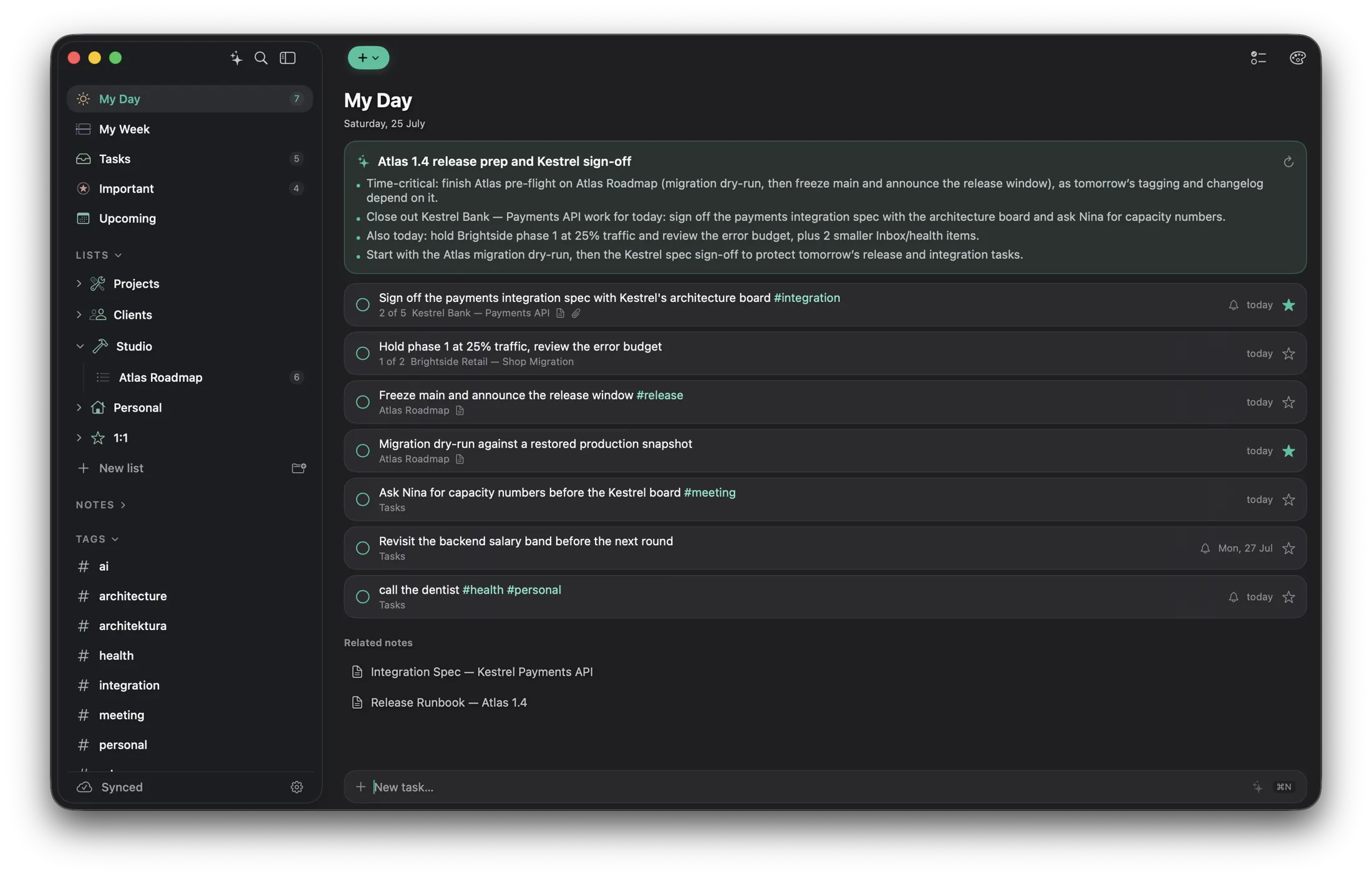
A task starts in a meeting note. A note becomes a plan. A sketch makes it click. Ready keeps the context together, without turning your day into a dashboard.
One sidebar, one workspace, and quiet surfaces that keep the content in front.
Native performance, immediate capture, and keyboard-first commands everywhere.
Real Markdown, visible assets, and linked folders that stay useful outside the app.
Switch from planning to writing without changing apps or losing why the work matters.
A FOCUSED DAY
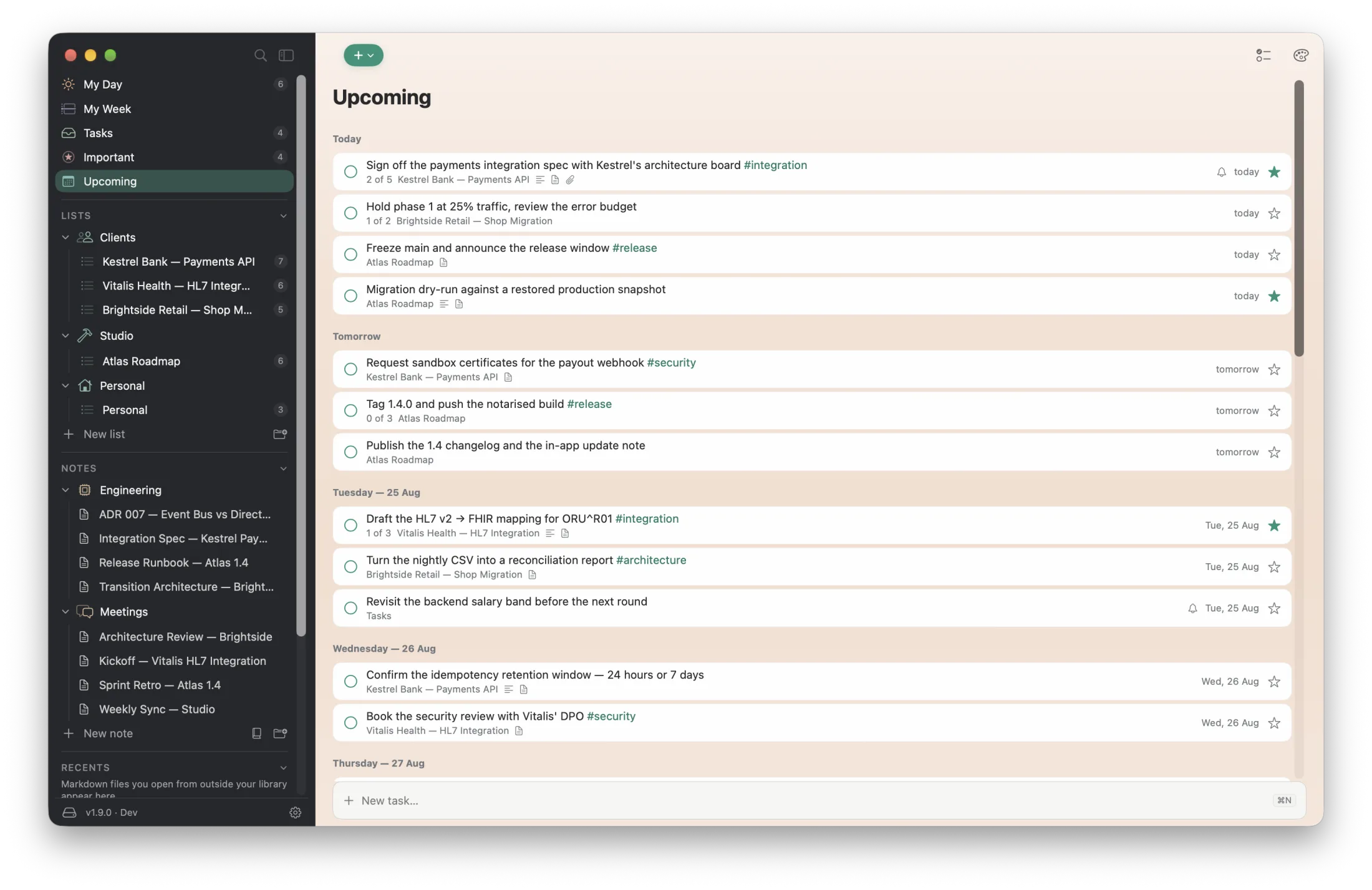
See what is due, reminded, important, or deliberately planned on a workspace you can make your own.
DETAIL WITHOUT DETOUR
Select a task and its floating detail panel appears beside the list, keeping the workspace and its background visible.
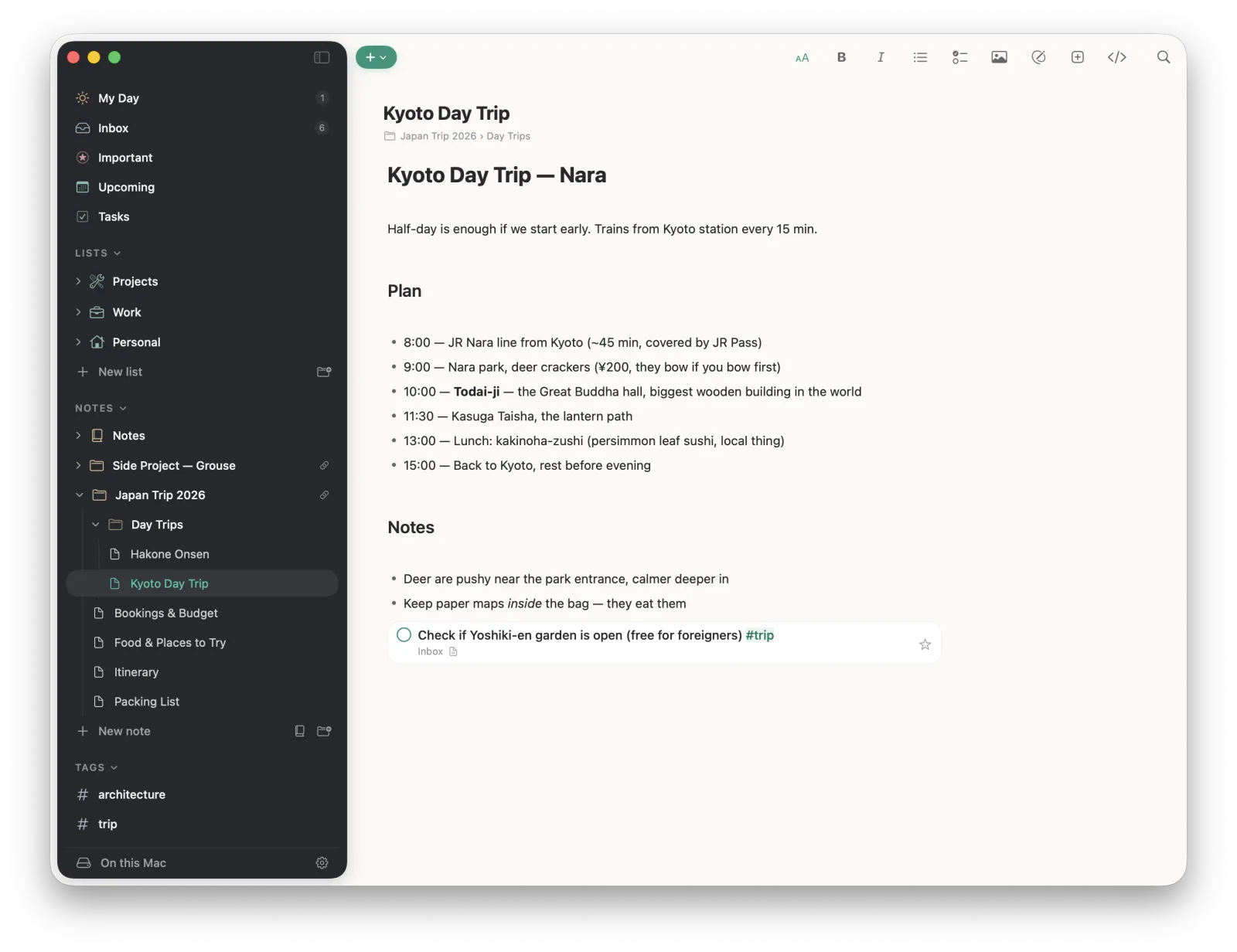
TRUE WYSIWYG MARKDOWN
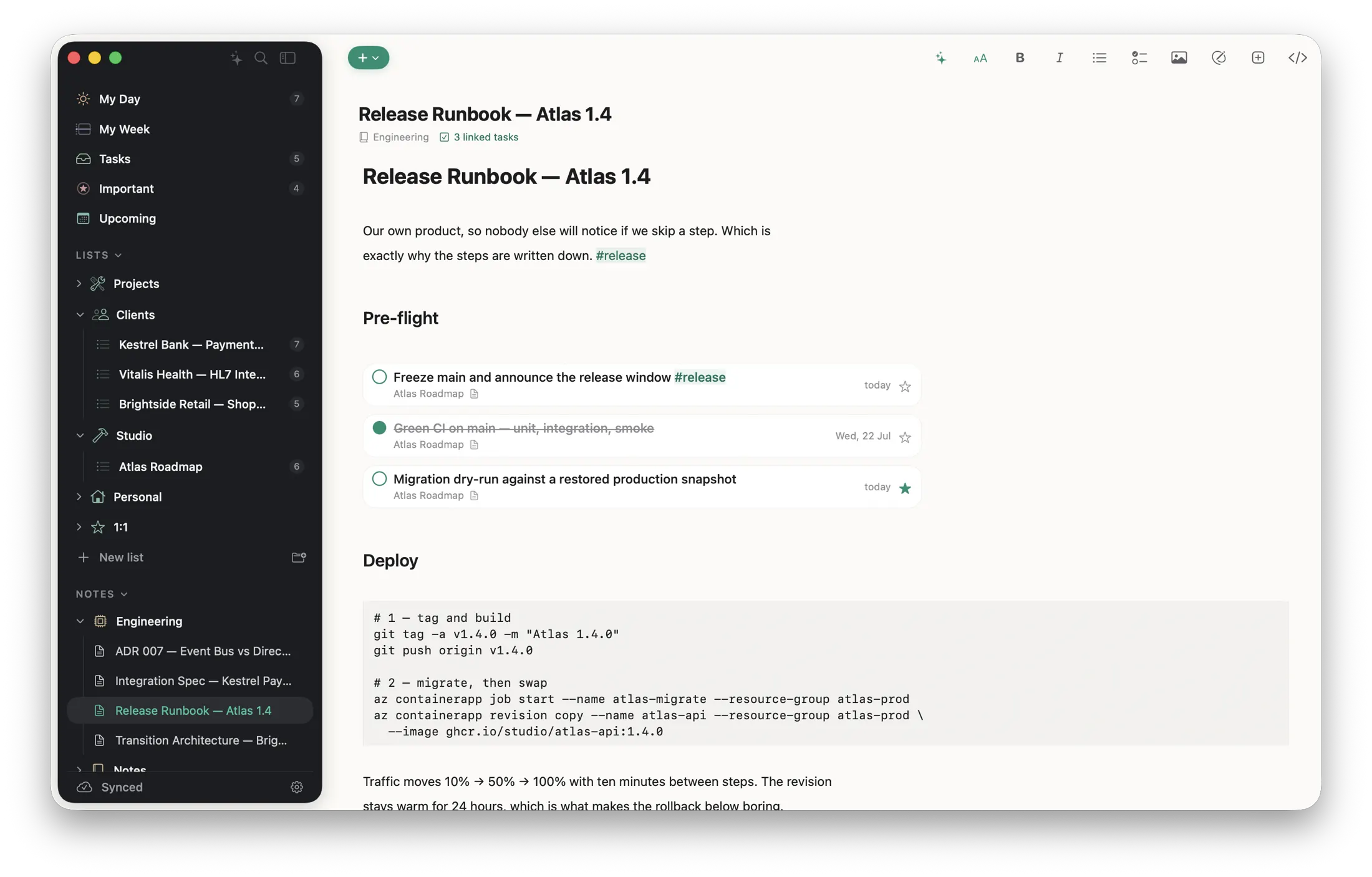
Syntax stays concealed while headings, lists, tables, links and embedded tasks remain directly editable.
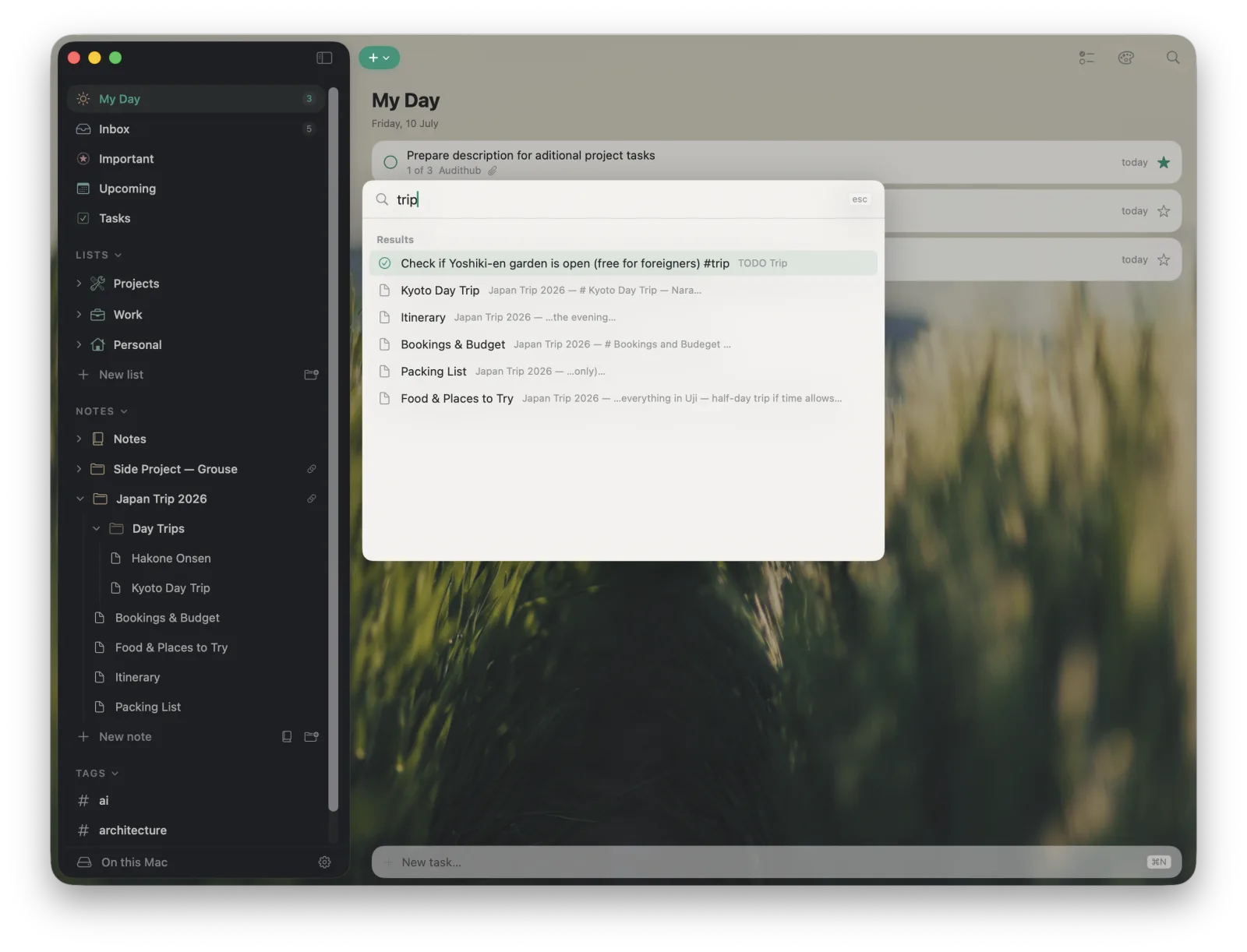
KEYBOARD FIRST
One command surface searches tasks, notes, and files or runs the action you need, without leaving the keyboard.
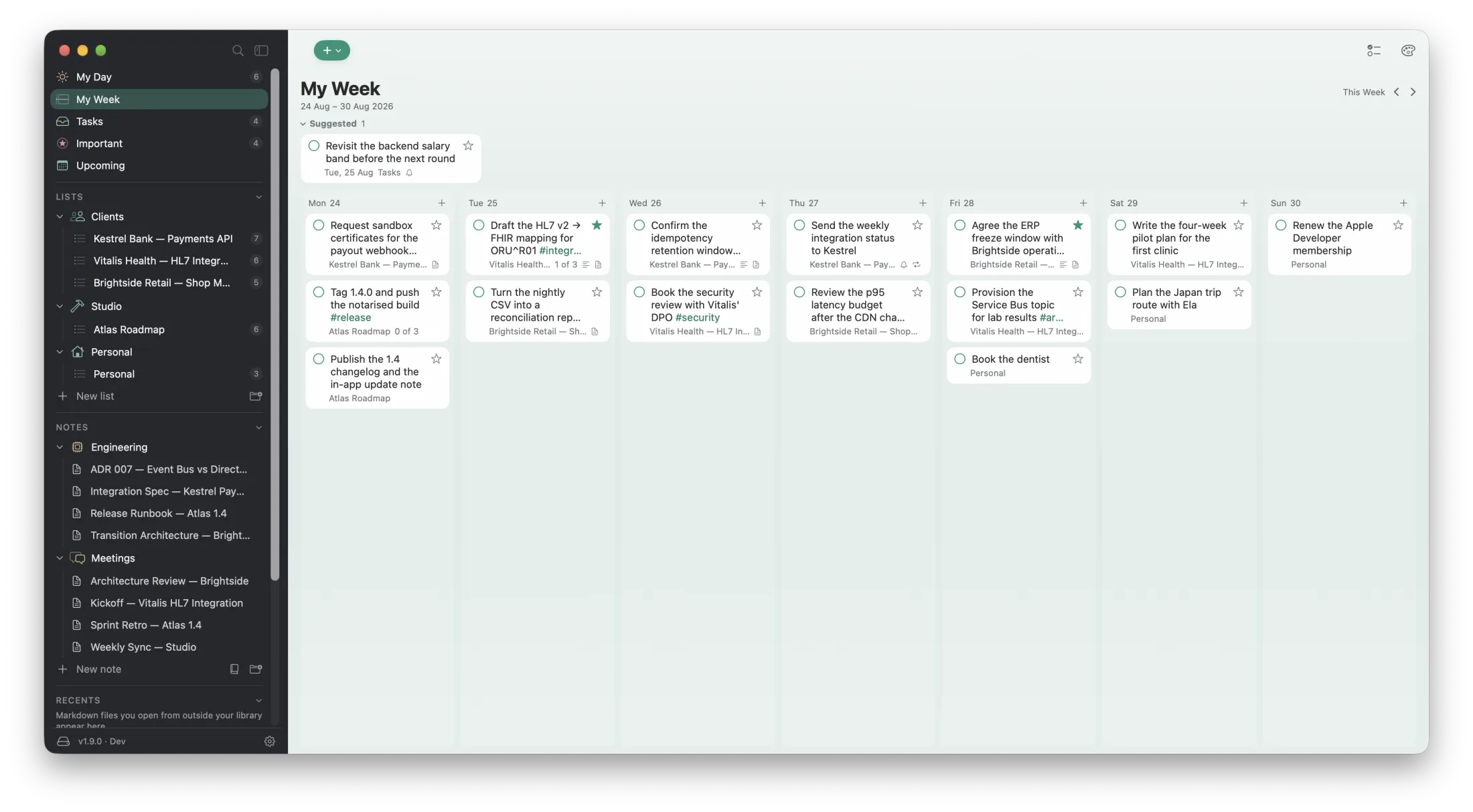
THE WEEK AHEAD
My Week lays the days out side by side, so moving a task to Thursday is a drag rather than a date picker.
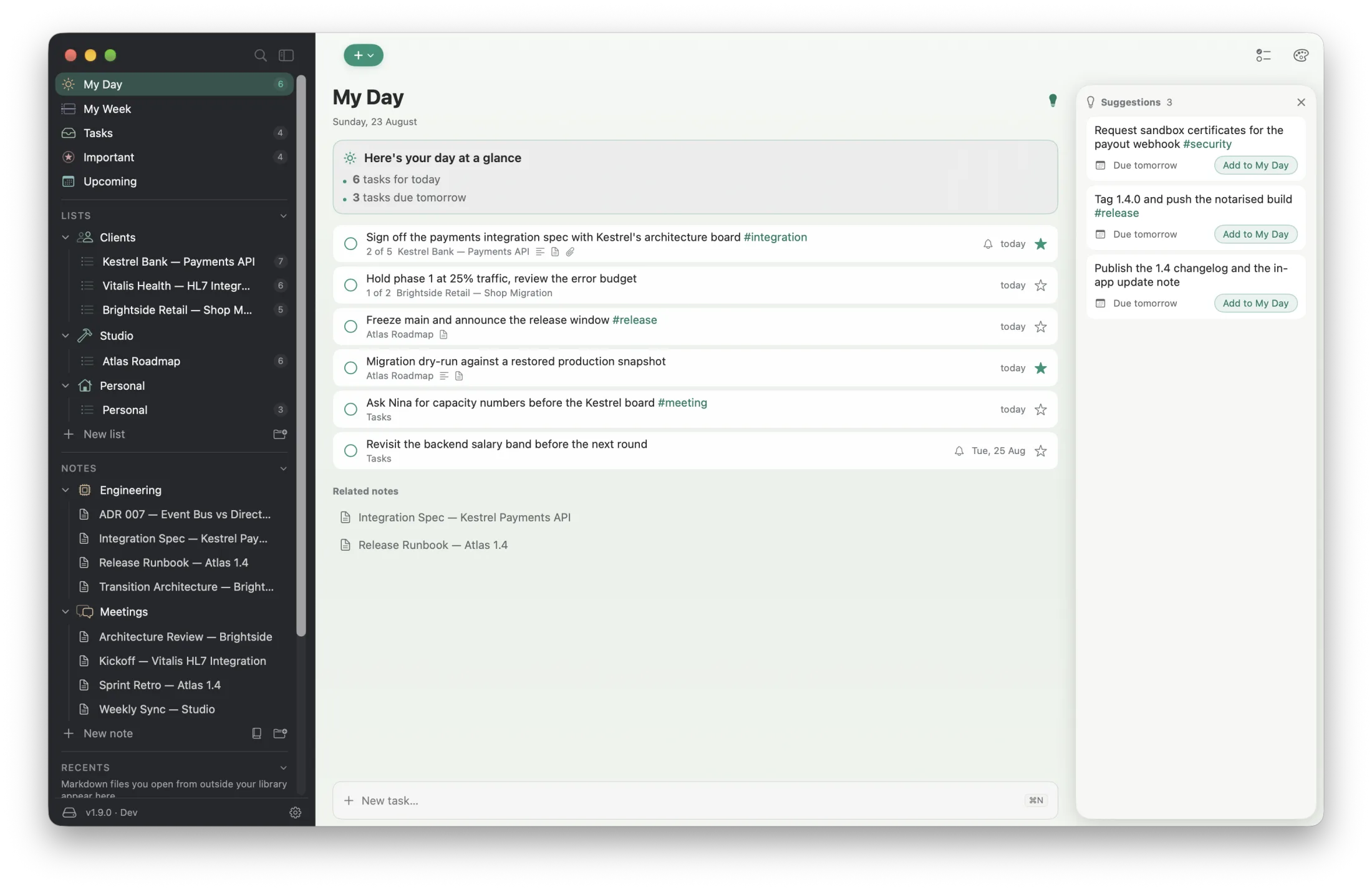
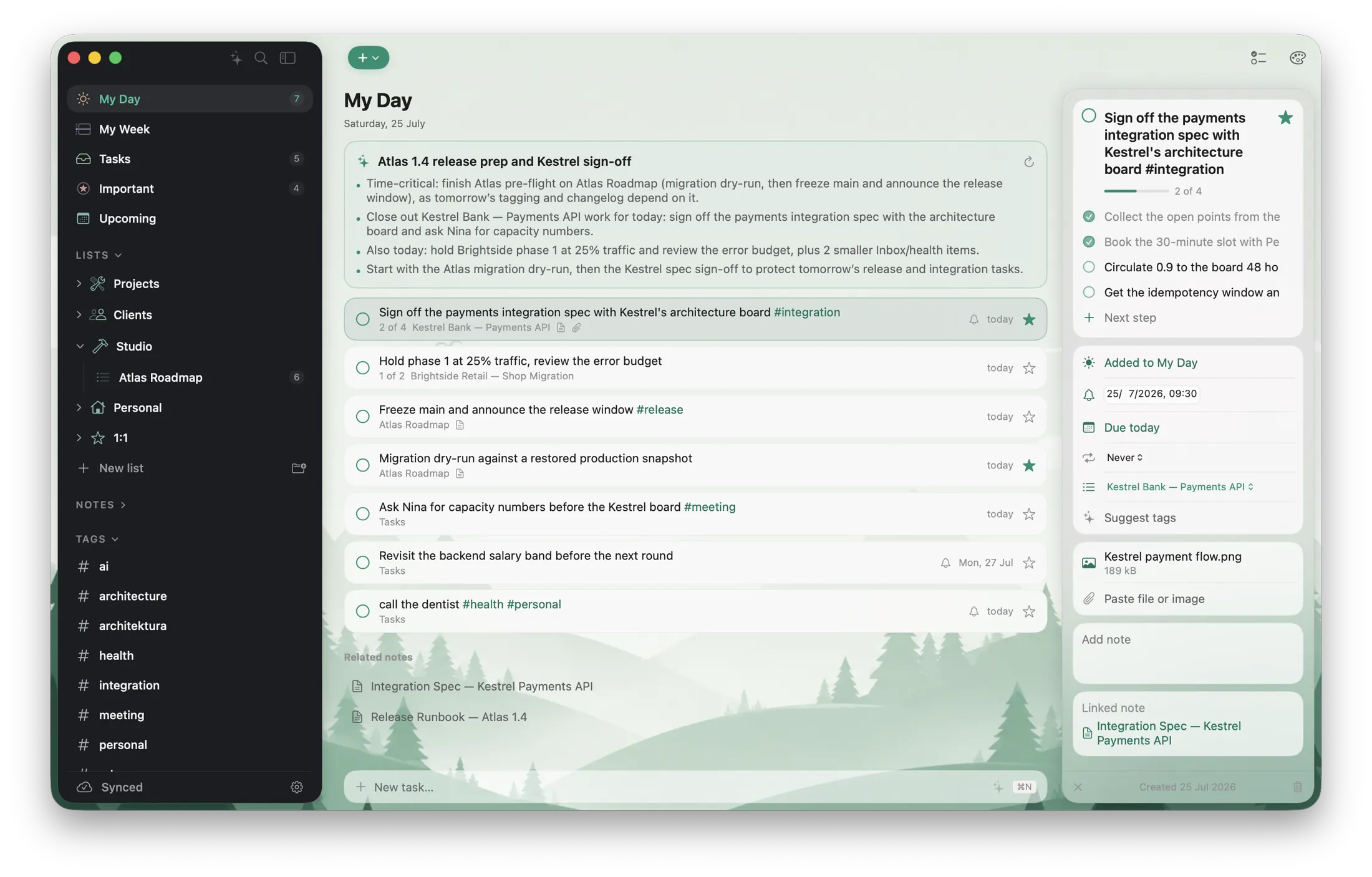
Local tasks, Microsoft To Do, and tasks created inside notes feel like one system, with importance, steps, repeat and attachments built into the same calm row anatomy.
Plan local and Microsoft tasks side by side. Source markers stay quiet until you need them.
 My Day
Open a task beside your list to manage steps, dates, repeat, attachments and notes without losing your place.
A Markdown checklist stays local until you select it and choose to promote it. The resulting task remains connected to its note.
A true WYSIWYG surface while you edit. Predictable Markdown when you open the file elsewhere.
Headings, nested lists, links, tables, code and pasted images feel native while the underlying Markdown remains clean.
Link a local folder on Mac and edit the real .md files in place. No imports. No hidden management files.
Sketch inline, then reopen a focused canvas whenever the idea needs another line.
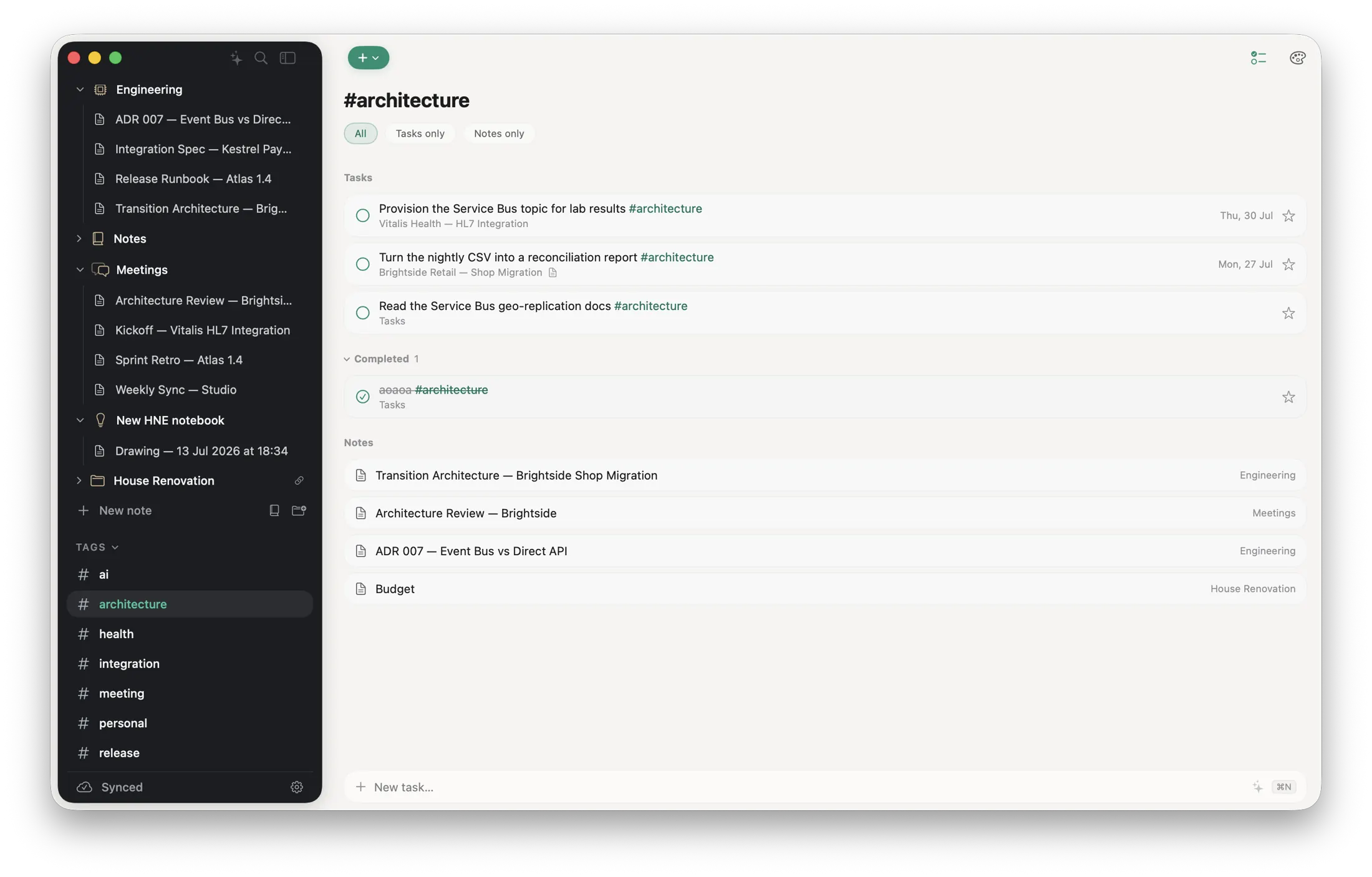
Tasks and notes share one vocabulary. Filter a tag across both object types, or narrow the view without creating parallel systems.
Capture a task, improve a note, or ask Ready about your work. AI stays hidden until you choose a provider, and nothing changes until you approve it.
Call the dentist on Wednesday #health in Personal
Turn natural language, voice, or ink into a task, a Markdown note, or suggested next steps.
Find action items, improve or translate writing, format Markdown, and suggest useful tags.
Ask about tasks and notes, draft changes, or get a short My Day briefing. Nothing is saved until you confirm.
Ready is complete on Mac today. The same workspace is coming soon to iPhone and iPad, adapted for touch without becoming a different product.
The complete keyboard-first experience, with a ⌘K AI hub, note-aware editor actions, Microsoft To Do, drawing, search, and linked local folders.
Coming soon with an adaptive split view, the ✨ hub, and Apple Pencil tools that turn capture, drawing, and review into one flow.
Coming soon with focused task capture, notes, workspace search, and an Assistant tab for questions, actions, and on-device voice capture.
Linked local Markdown folders remain Mac-only. Microsoft-connected tasks continue to synchronize directly through Microsoft Graph.
Everything essential works without a network. Sync catches up when you do.
Internal tasks, notes, and drawings move through your private iCloud database.
Keyboard-first on Mac today, with touch-native iPhone and iPad apps coming soon.
READY · TASKS & NOTES
Ready 1.14.1 for macOS 26. Signed and notarized by Apple.
iPhone and iPad are coming soon with private iCloud sync.